

Home 
get started
Everything You Need
to Get Started with Jmix
Start a free 28-day trial, explore demos, discover AI-assisted development or talk to our team.
Explore Demo Applications
Explore production-ready Jmix applications with full source code and see how enterprise solutions are
built.
Explore Demos
Learn about Jmix Key Concepts
Watch a 7-minute video about the key features of Jmix.
Watch Video
Try the Jmix AI Assistant
Learn about Jmix for free with free AI Assistant. Ask how to build your
project or get technical details about the platform.
Ask the AI Assistant
Book a Live Demo
Save time and see Jmix in action. Schedule an online demo with a Jmix
expert and discuss your use case.
Book a Meeting
Install Jmix
Use Jmix for free with the open-source edition, or activate a 28-day trial
to explore all advanced Jmix capabilities.
to explore all advanced Jmix capabilities.

Step 1
Download
and install IntelliJ IDEA
Jmix works both in IntelliJ IDEA Community
Edition and IntelliJ IDEA Ultimate.
Edition and IntelliJ IDEA Ultimate.


Step 2
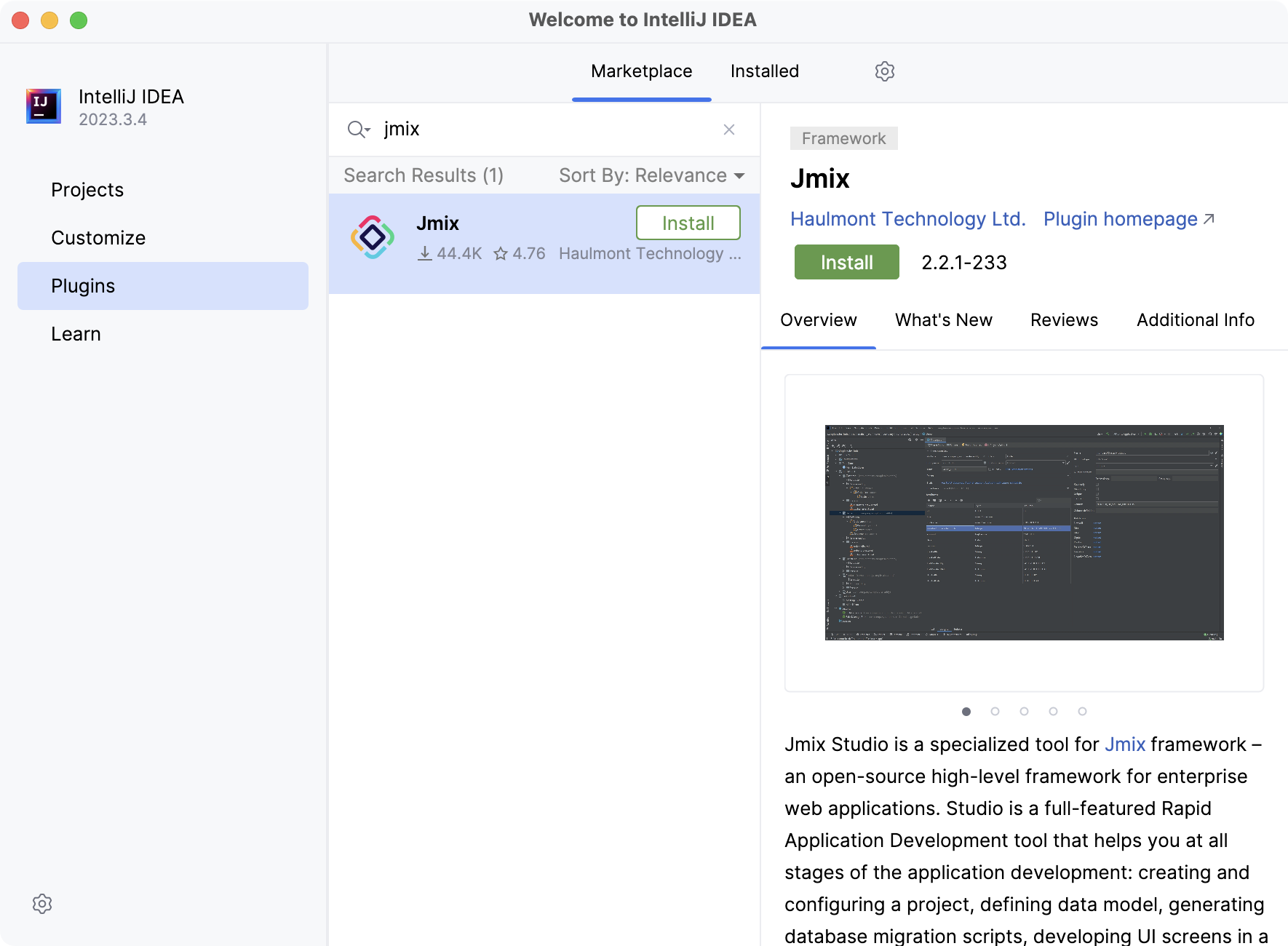
Run IntelliJ IDEA and install the Jmix plugin
- In the "Welcome to IntelliJ IDEA" window, switch to the "Plugins" tab and enter "Jmix" in the search field.
- Find the "Jmix" plugin and click "Install".
- Click "Restart IDE" and confirm.

Step 3
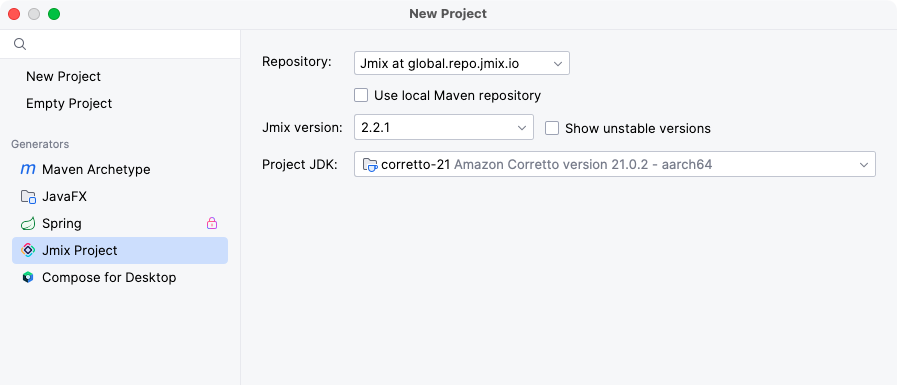
Create a new project

Step 4 (Recommended)
Complete the tutorial
Cover Jmix essentials to get a fundamental understanding of the platform and start implementation of
your own enterprise applications.
Follow Jmix on LinkedIn